Snapshot app icon
Snapshot for Mac · by Faraday Soft

Capture the screen. Keep it on your Mac.

Take screenshots, record video, mark up details, redact private information, and pull text from anything on screen. No account, no cloud, no telemetry.

Free during early access. macOS 15 or later · Apple-notarized
// see it in action

Snapshot in under a minute.

A quick tour made from the real app: capture, redact, mark up, and copy text without sending the screen anywhere.

Real Snapshot screens · 1080p · narrated
// the app

From capture to finished image.

A fast capture overlay when you need it, and a full Canvas editor when the image needs more work.

// what it does

One tool for the whole screen-capture job.

Capture precisely

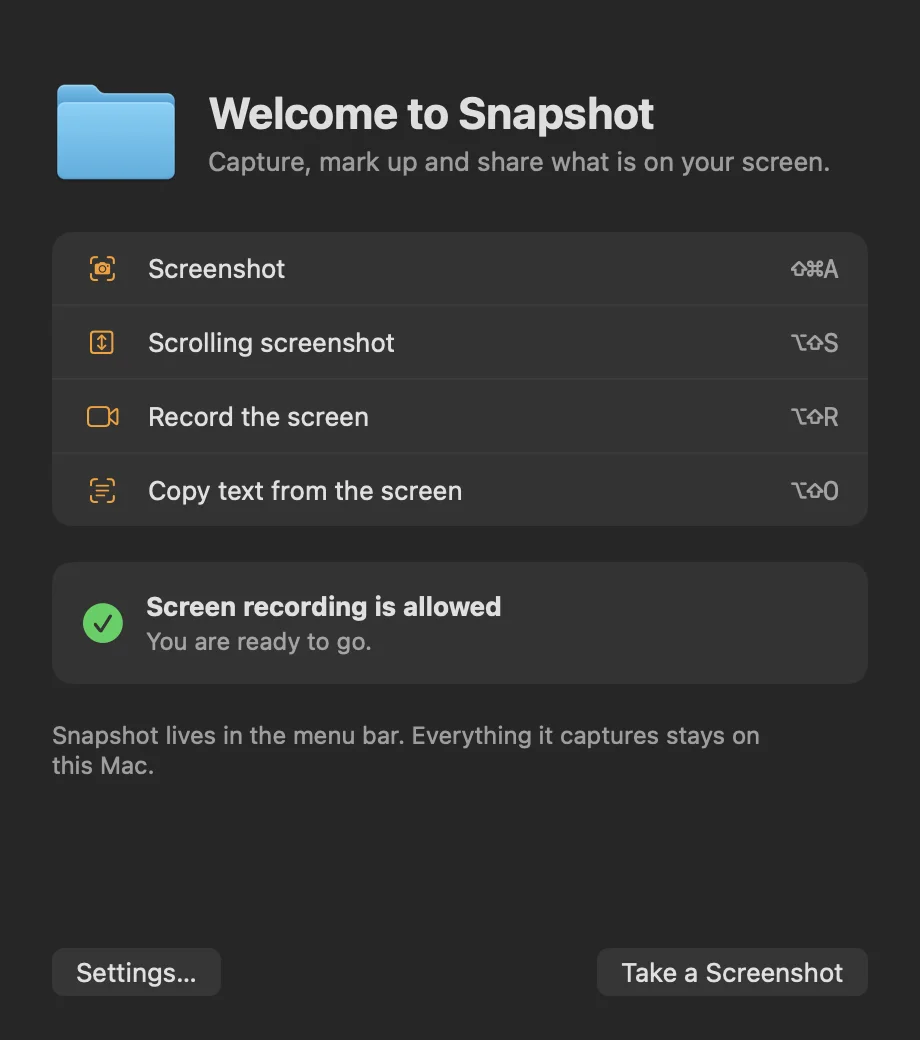
  • Grab a window, a selected area, or a full display.
  • Use configurable global shortcuts or a 3, 5, or 10 second delay.
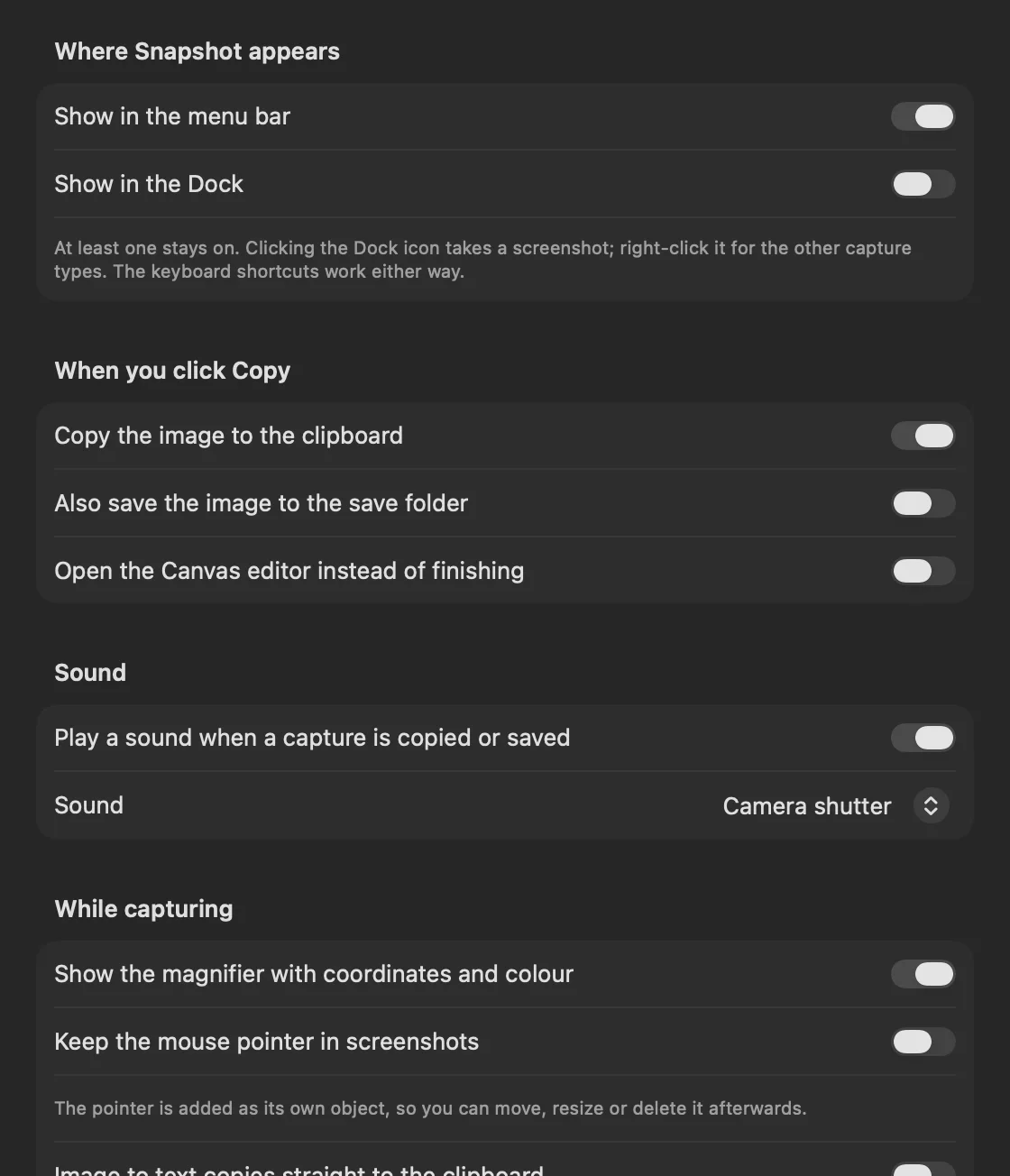
  • Keep the pixel magnifier and pointer only when you want them.

Mark up and redact

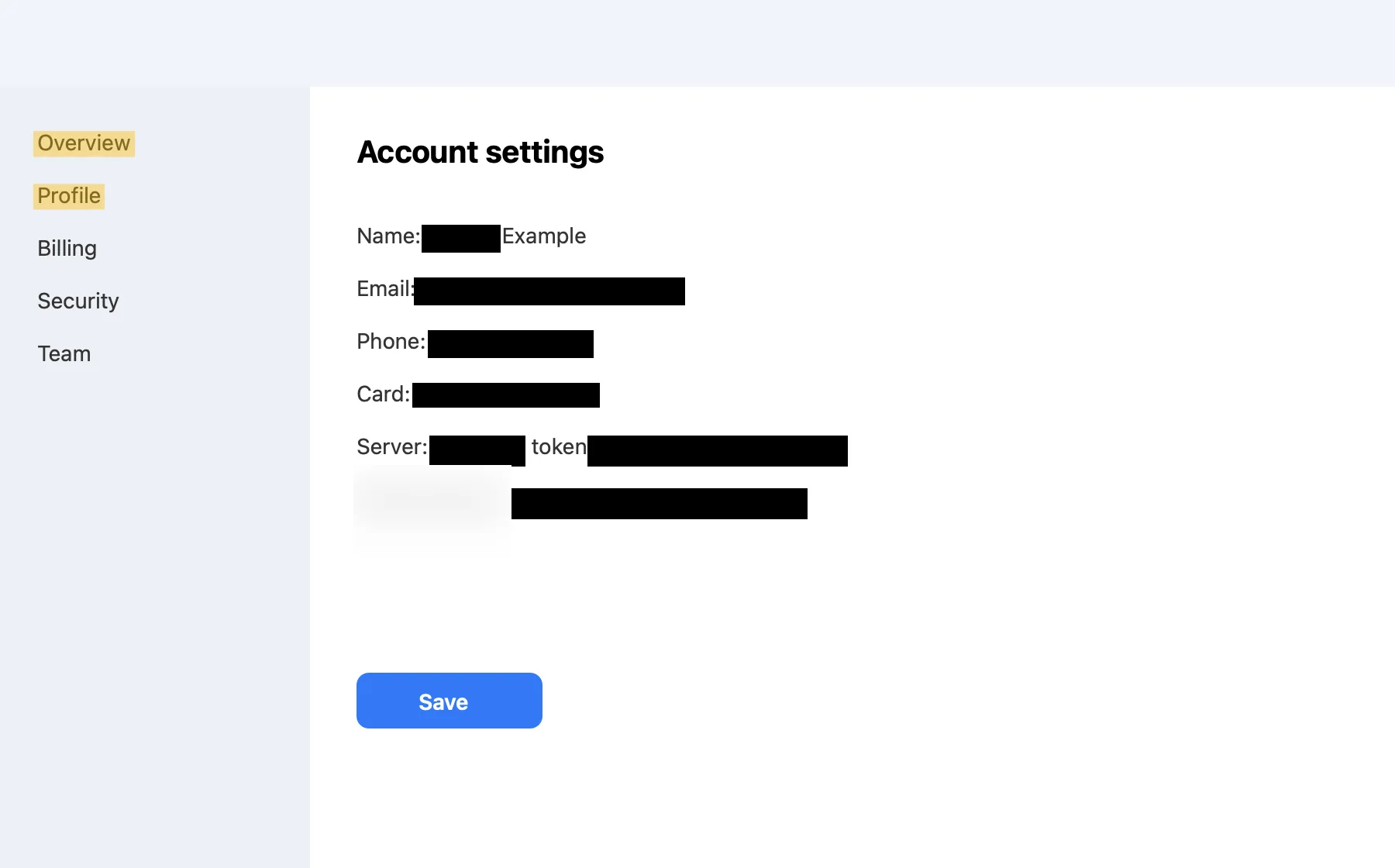
  • Arrows, shapes, text, callouts, numbered steps, highlights, blur, stamps, and freehand drawing.
  • Find and cover emails, phone numbers, cards, addresses, IP addresses, and keys.
  • Save editable projects and reopen every annotation later.

Record the screen

  • Export MP4 or GIF with optional system audio and microphone.
  • Add a movable camera bubble, pointer, and click indicators.
  • Pause, resume, trim, copy, or save the finished recording.

Capture more than one screenful

  • Build scrolling screenshots by hand or with Autoscroll.
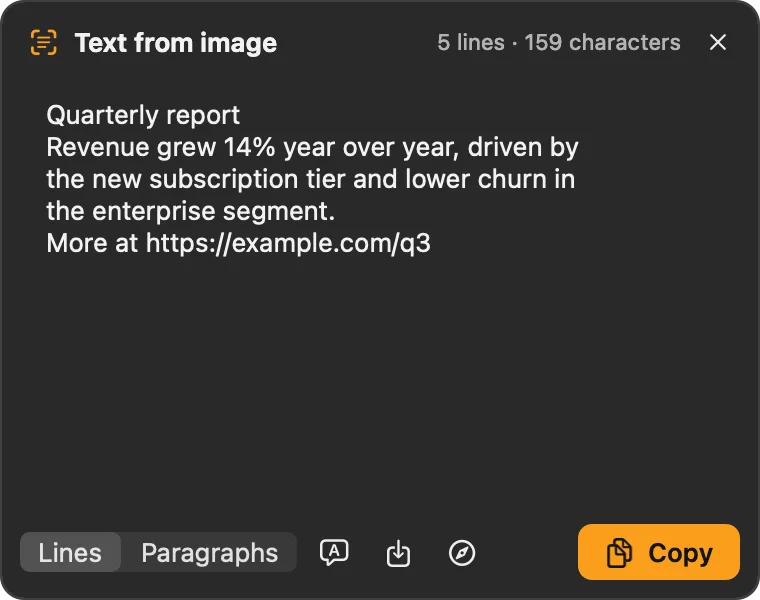
  • Copy text from the screen, translate it, or read a QR code.
  • Pin an image above other windows while you work.
// privacy

Your screen can contain anything. Snapshot sends nothing.

Captures, recordings, recognized text, and recent-history files stay on your Mac. Faraday Soft does not receive them.

Stays on your Mac

  • Screenshots, recordings, OCR results, and editable projects.
  • Screen, microphone, and camera access is used only for the capture you start.
  • No account, analytics, advertising, telemetry, or third-party SDKs.

Network access

  • The app makes no background network requests.
  • Check for Updates reads a small version file from faradaysoft.com only when you choose it.
  • Downloads come from faradaysoft.com.
// faq

Questions.

Why does Snapshot need Screen Recording permission?

macOS requires it before any app can read pixels from your screen. Snapshot uses those pixels only to make the capture you requested. Permission remains under System Settings → Privacy & Security.

When are the microphone and camera used?

Only when you turn them on for a screen recording. Snapshot asks at that moment, not for ordinary screenshots.

Where are recent captures stored?

Locally in your user Library. You can switch history off, change retention, inspect temporary recordings, or clear them from Settings.

Does it cost anything?

Not yet. Snapshot is free while it is in early access. A paid version is coming, and early users will get a founder discount on it.

Keep the capture local.

Download the notarized DMG and use it free during early access.